

Choose your region
Your region controls the terms and units loadmate shows. Choose the region that matches the plate, label, manual, or specification sheet you are reading from.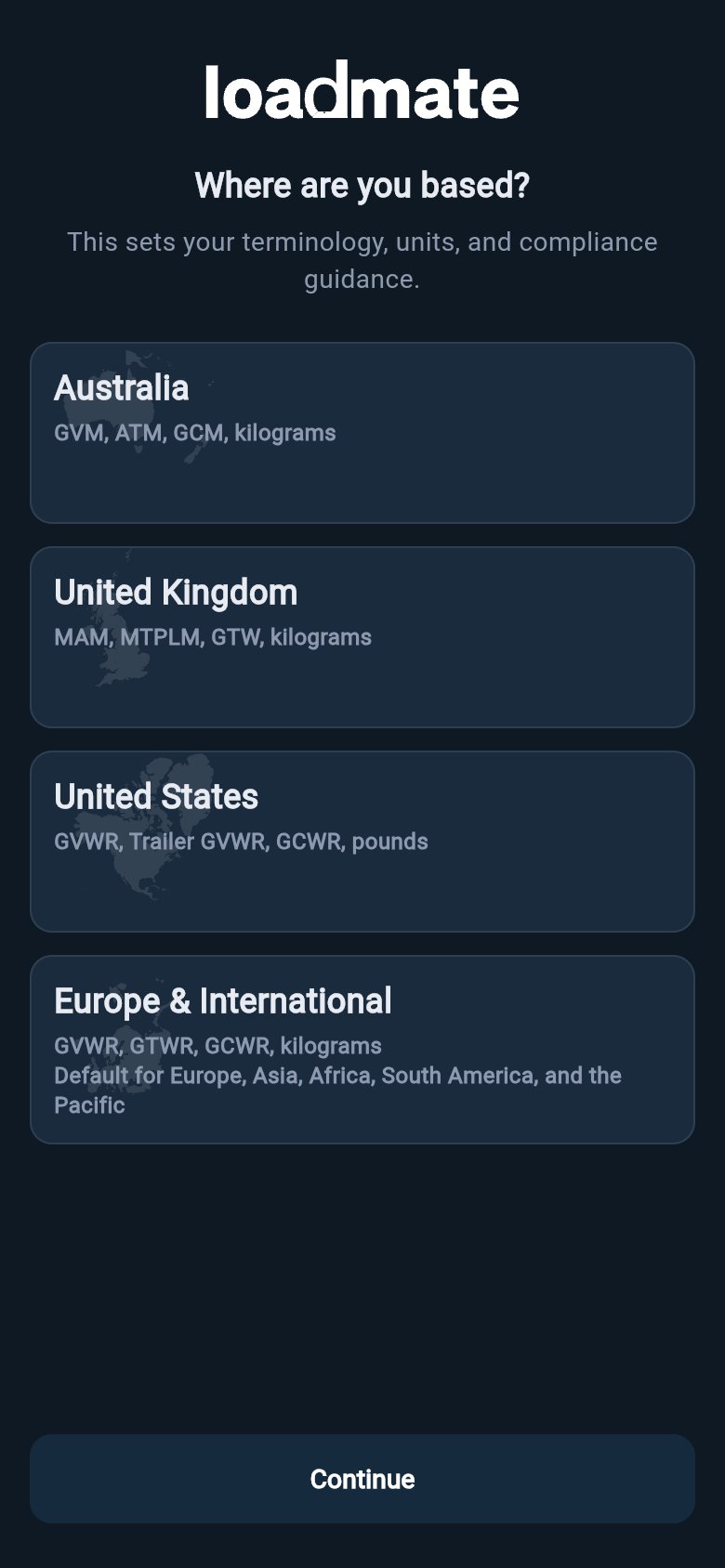
Use the region of the documents you are entering, not necessarily the country you are travelling through today.
Accept the legal documents
Before loadmate saves your account setup, you accept the current legal documents. Read them in full before agreeing: The legal gate appears during account setup, and may appear again later if one of the documents changes. Declining signs you out until you are ready to accept. For the account step in more detail, see Create your account.Choose how to start
After sign-in, legal acceptance, and region setup, loadmate shows the setup choice. You can add your own vehicle, or explore with sample data first.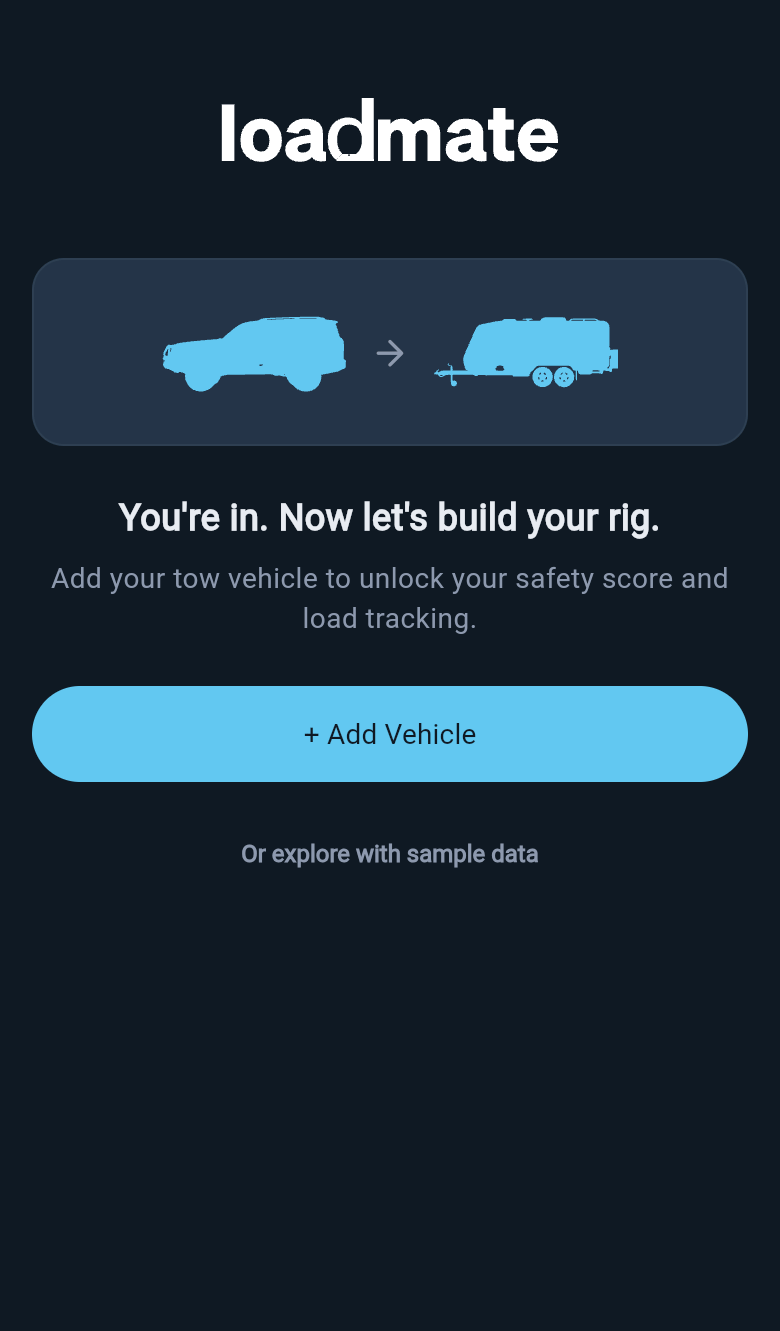
What to have nearby
Setup goes faster, and your numbers are more trustworthy, when you have the real figures in front of you:- Your tow vehicle compliance plate, for kerb weight (AU tare weight) and the rated loaded-vehicle limit: GVM (AU), MAM (UK), or GVWR (US and Europe/international).
- Your trailer or caravan plate, for the loaded-trailer limit and the weight on the hitch: ATM and tow ball mass (AU), MTPLM and nose weight (UK), Trailer GVWR and tongue weight (US), or GTWR and coupling load (Europe/international).
- Your tyre details from the sidewall and from the sticker inside the driver’s door or by the fuel cap, including size, load index, and age.
- Any recent weighbridge ticket, so you can record measured weights rather than estimates.
Set up your own rig
Work through setup in this order:- Add your tow vehicle. Start with a name, or make and model, then add the trusted rating and baseline details after save.
- Add your trailer or caravan. Choose the trailer type, enter the plate ratings, and set the baseline weight.
- Set up storage zones on both assets so each load has a real place to sit.
- Add the tyre profile from the Tyres section on each asset, so Health can watch age and load-rating headroom.
- Add your loads, including tanks and regular gear.
- Record measured data from a weigh-in when you have a recent ticket.